

Demos & Overviews
15 New Features in Loocey for DLA/DIBBS Suppliers
15 New Features in Loocey for DLA/DIBBS Suppliers
- Length 31 min 48 sec
- Published January 30, 2025
- Product Loocey DLA / DIBBS
Overview
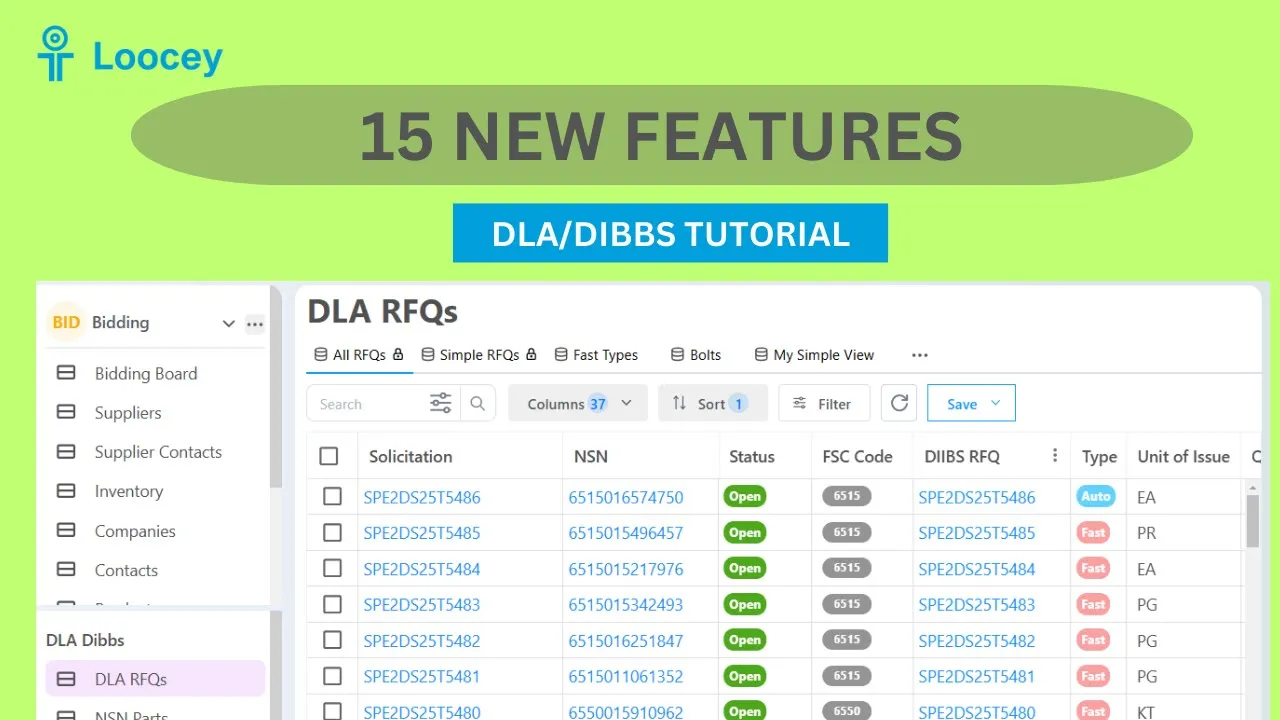
15 New Features in Loocey for DLA/DIBBS Suppliers
1. No Bid Filter 2. FAT 3. PLT 4. Approved Source Bidding Filter 5. Set Aside Badges 6. Solicitation Type filter 7. Simple RFQs Default View 8. NSN Popup – Approved Source Name, Phone, Website and Email 9. Approved Source - More Emails Populated 10. Contains Any / Not Contains Any Filters 11. Statuses more up to date 12. Contract Details - Showing Related Cage, Quoting, Website 13. Backfill Older Solicitations 14. Assigned To Drop Down 15. Prep For Delivery
Where this fits
This tutorial covers the Demos & Overviews part of Loocey DLA. Start here — full product demos, webinars and feature round-ups for Loocey DLA.
- Loocey DLA Getting Started guide — account setup and the full bidding workflow
- Saved-search recipes — the exact column, condition and value for 20 common DLA searches
- DLA / DIBBS glossary — what every field on a solicitation means
- All Loocey DLA video tutorials
Try it in your own account
Loocey DLA imports DLA/DIBBS solicitations daily and carries them through a CRM bidding board, supplier quote requests, bid pricing and MIL-STD-129R labels.