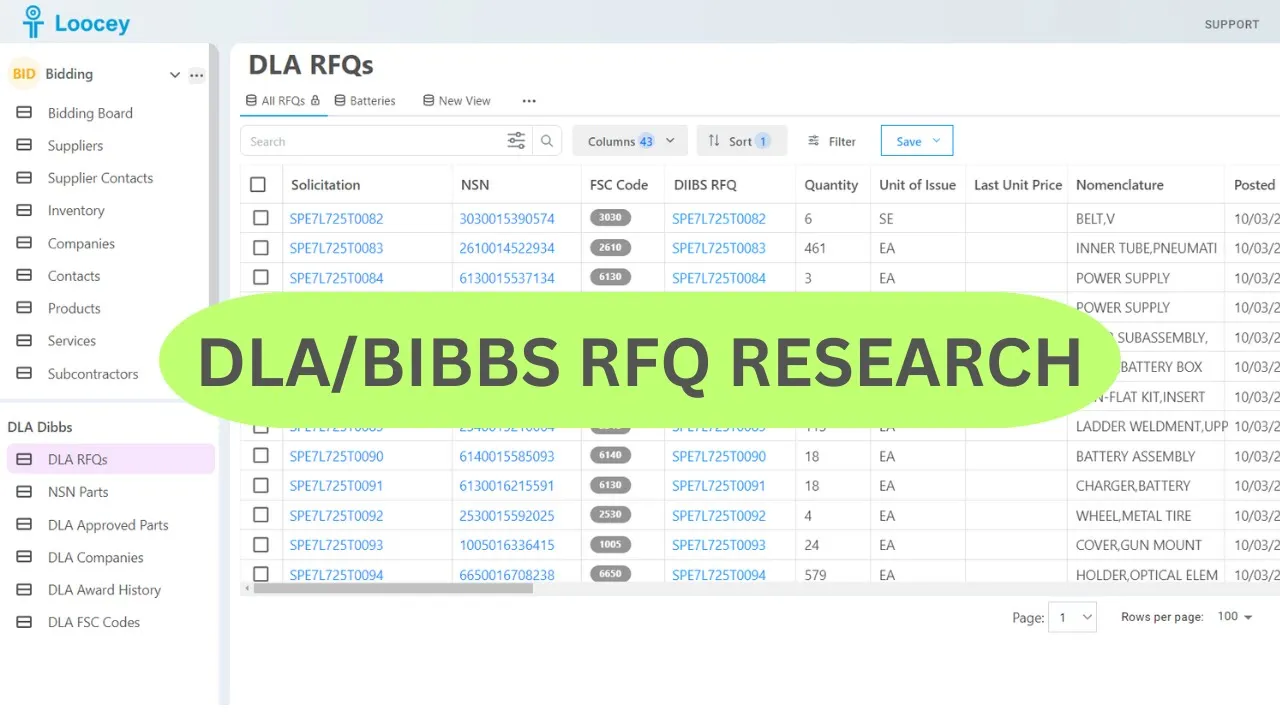
- Solicitation
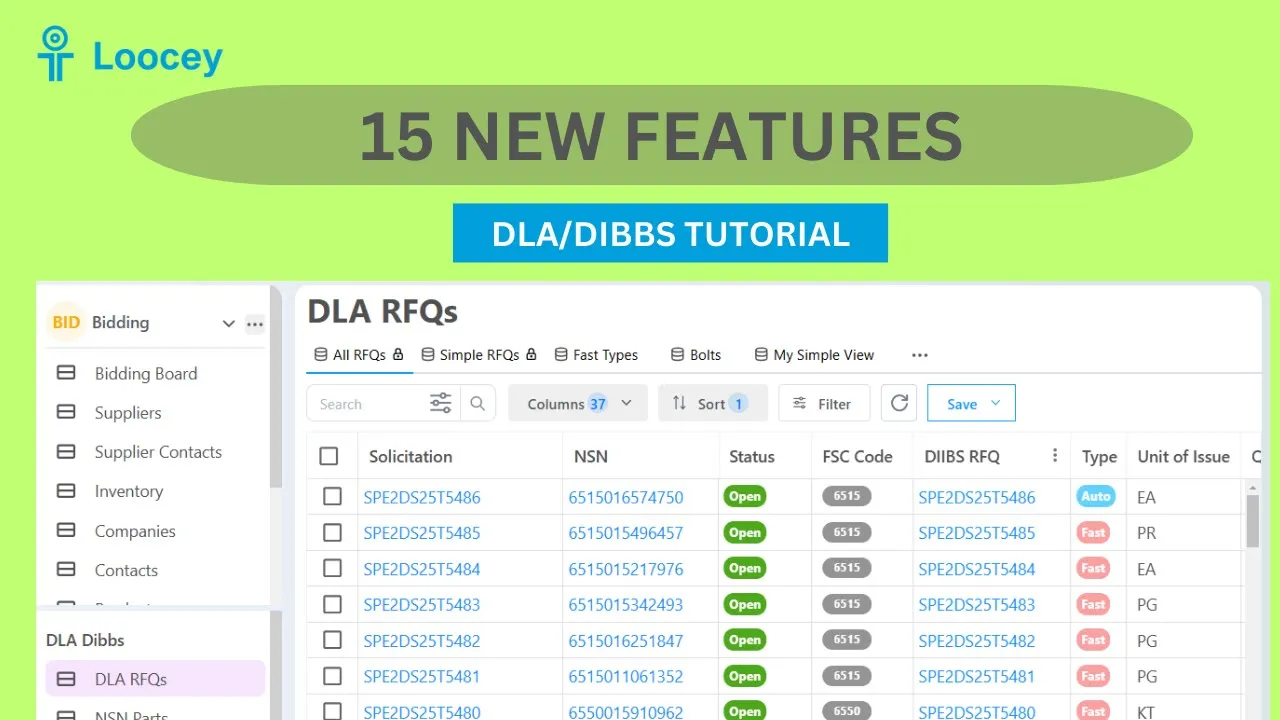
- The DLA solicitation number for the RFQ — the same identifier you see on DIBBS, searchable with Starts With to target a single buying activity.
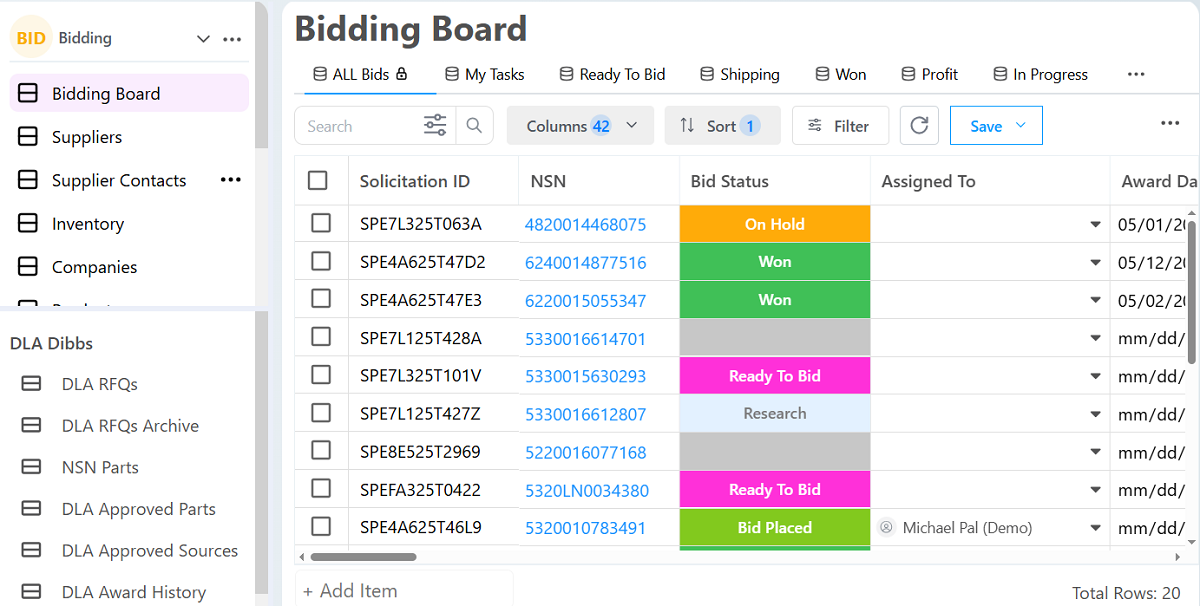
- NSN
- The 13-digit National Stock Number being solicited. Click it in Loocey to open approved parts, other open RFQs and the full award history for the item.
- Status
- The current state of the solicitation, so your saved views can show only the RFQs still open for quoting.
- FSC Code
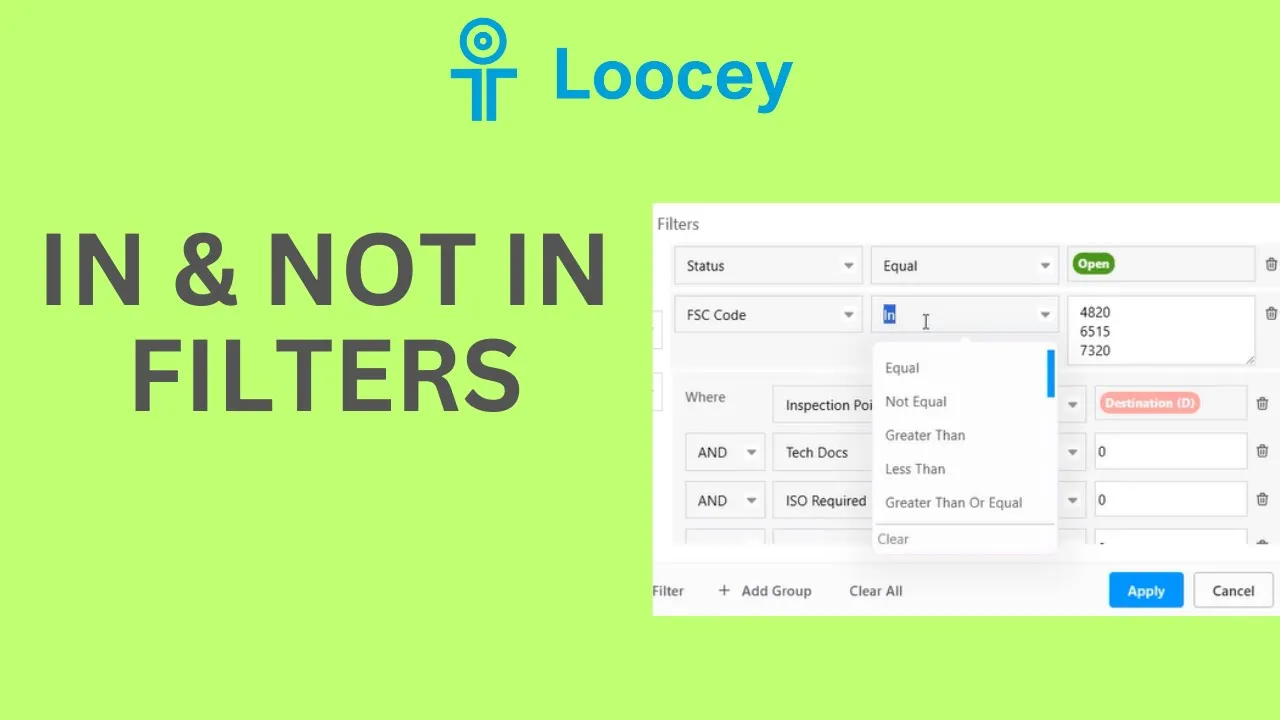
- The four-digit Federal Supply Class (the first four digits of the NSN) — filter to the classes you actually stock or manufacture.
- DIBBS RFQ
- A direct link from the row to the original solicitation on DLA DIBBS, so verification is one click away.
- Type
- The solicitation type, including AIDC — long-term automated indefinite delivery contracts — versus one-time buys.
- Unit of Issue
- How the item is issued (each, box, kit, foot…), the basis for quantity and unit pricing.
- Quantity
- The quantity DLA is buying on this solicitation.
- Last Unit Price
- The unit price on the most recent award for this NSN — the fastest sanity check for your own bid price, and the input for Last Award pricing mode.
- Total Estimate
- The estimated total value of the solicitation, so you can prioritize the bids worth your time.
- Posted Date
- When the solicitation was posted. Combine with dynamic date filters like “posted in the last 7 days” that roll forward automatically.
- Return By Date
- The quote due date — sort ascending or filter “due within 7 days” so a deadline never slips past.
- Nomenclature
- The item name as published by DLA, searchable by keyword to find the parts you know.
- FOB Point
- Who pays freight: Origin means DLA covers shipping, Destination means you do. On heavy NSNs this single column decides profitability.
- Inspection Point
- Whether DLA inspects at your facility before shipment (Origin) or on arrival (Destination).
- Set Aside
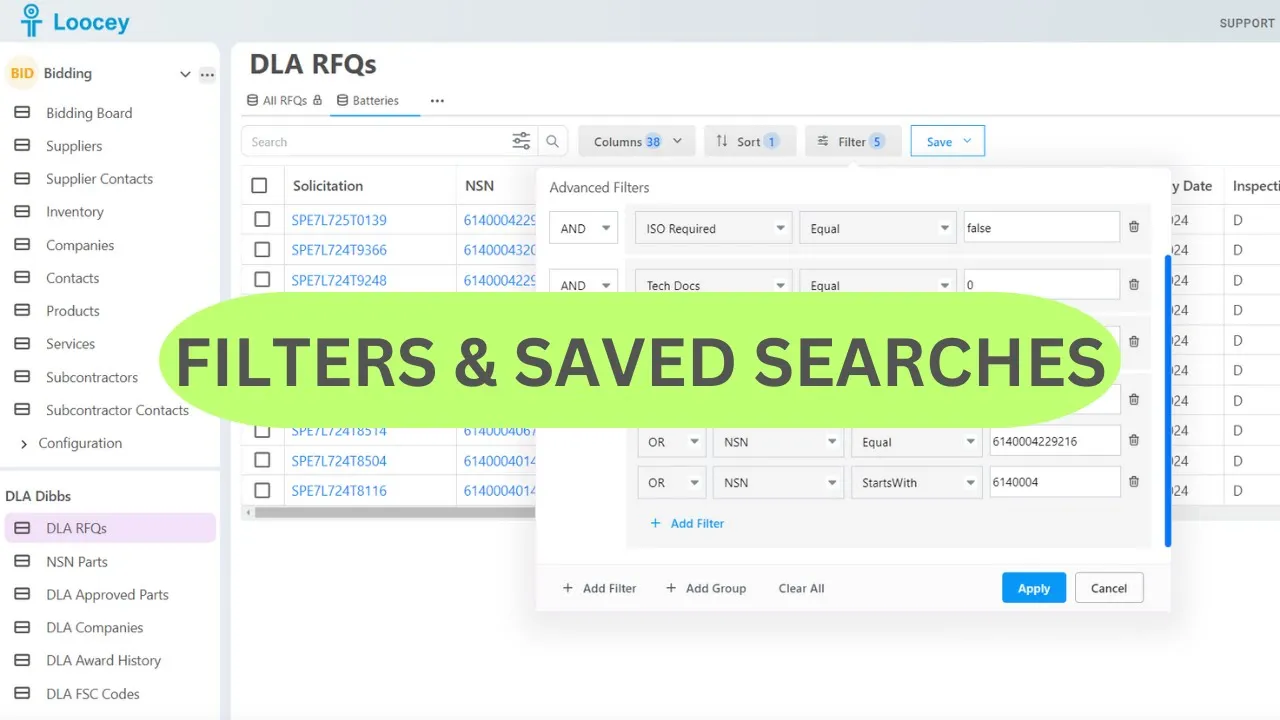
- The small-business set-aside category — WOSB, SDVOSB, HUBZone and more. Use the In condition to select several categories in one filter row.
- Tech Docs
- Whether controlled technical drawings are attached — filter Unchecked to keep only RFQs you can quote without certified drawings.
- JCP Required
- Whether Joint Certification Program certification is required to access the technical data.
- ISO Required
- Whether an ISO quality-certification requirement applies to the solicitation.
- FAT Required
- Whether First Article Testing is required before full production.
- PLT Required
- Whether Production Lot Testing is required on the contract.
- Critical Item
- Flags Critical Application Items, which carry extra paperwork and certifications. An orange checkbox means “Not Yet Set” while the day’s data is processing.
- CMMC
- The Cybersecurity Maturity Model Certification level required. Filter with Is Null to see only solicitations with no CMMC requirement.
- COTS
- Whether the item is Commercial Off-The-Shelf.
- No Bid
- Mark and filter out solicitations you have decided not to quote, so nobody on the team re-reviews them.
- AS Bidding
- Loocey’s computed risk flag showing an approved source is bidding the solicitation directly — they usually hold the best price. Hover the flag for how it was set.
- Is Same Winner
- Loocey’s computed flag for NSNs the same company keeps winning — verify it in one click on the NSN History tab.
- YTD Quantity
- The quantity awarded for this NSN so far this year — a live demand signal.
- Total Quantity Awarded
- The all-time awarded quantity for the NSN.
- Last Year Quantity Awarded
- The quantity awarded last year — combine the three award-quantity columns to build your own demand formula.
- Weight
- The item weight — filter out freight-heavy NSNs that eat your margin.
- Cube
- The cubic volume of the item, the other half of the freight-cost equation.
- Line Count
- The number of line items on the solicitation.
- Days Quote Valid
- How long your quoted price must remain valid after submission.
- Packaging Code
- The DLA packaging requirement — spot the simpler commercial ASTM D3951 jobs versus MIL-STD-2073 military packaging before you bid.
- Packaging QUP
- The Quantity Unit Pack — units per unit container — which the MIL-STD-129R Label Maker uses on unit container labels.
- Prep For Delivery
- The preparation-for-delivery requirements published on the solicitation.
- Buyer Code
- The DLA buyer code assigned to the solicitation.
- Contract Officer Name
- The DLA contracting officer responsible for the solicitation.
- Contract Officer Email
- The contracting officer’s email address, right on the row when you have a question.
- Contract Officer Phone
- The contracting officer’s phone number.
- Parcel Post Address
- The destination address for small-parcel shipments on the award.
- Freight Shipping Address
- The freight destination address for the award.
- Approved Source Cages
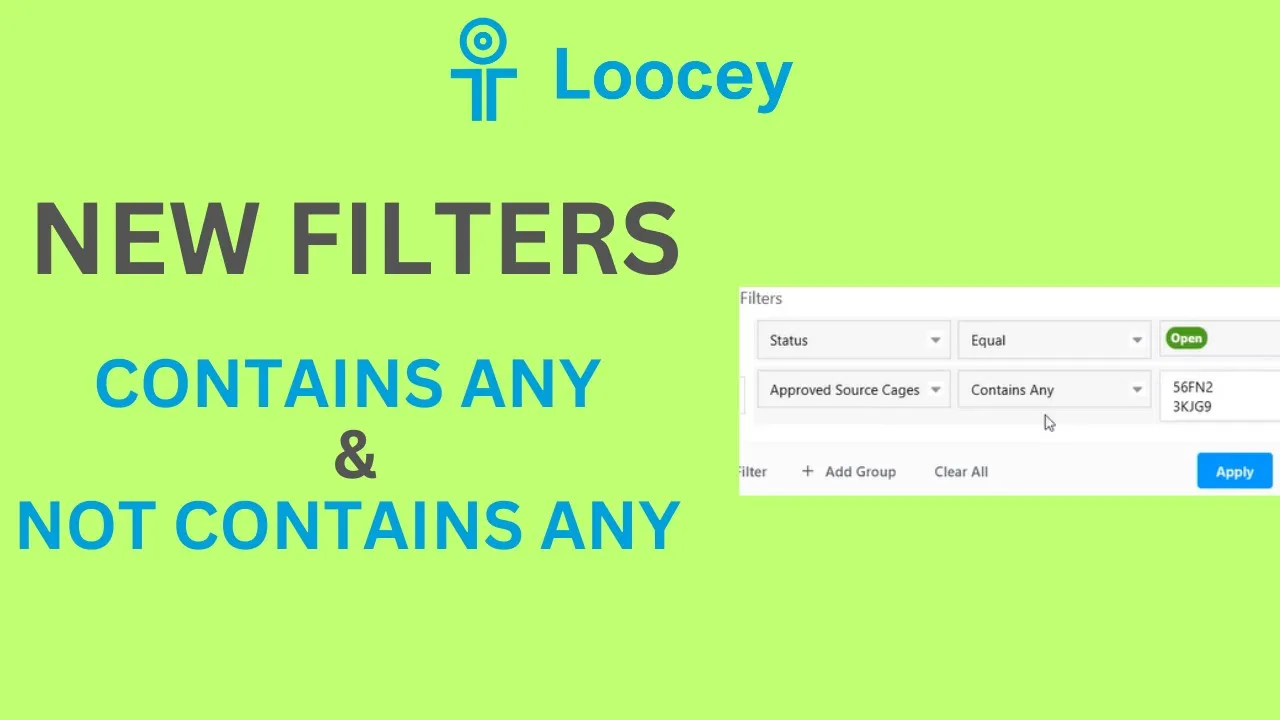
- The CAGE codes of every approved source on the RFQ — filter with In to track the manufacturers you already have pricing relationships with.
- AMSC
- The Acquisition Method Suffix Code — how DLA may buy the item. RFQs with no approved sources are open manufacturing opportunities.
- Delivery Days
- The delivery lead time. Filter Greater Than 100 for long-runway work that fits a production schedule, or Less Than for fast turns.
- Last Award Date
- When the NSN last awarded — how recent the demand really is.
- Item Control
- The item control designation published on the solicitation.
- Hubzone Preference
- Whether a HUBZone price-evaluation preference applies to the buy.
- Price Breaks Solicited
- Whether DLA is requesting tiered pricing at multiple quantity ranges.
- Higher Level Quality
- Whether higher-level quality requirements apply to the contract.
- Buy American
- Whether Buy American Act requirements apply.
- Free Trade Agreements
- Whether Free Trade Agreement clauses apply to the buy.
- Trade Agreements
- Whether Trade Agreements Act clauses apply.
- Page Count
- The number of pages in the solicitation PDF — a quick proxy for how complex the buy is.
- Additional Clause Fill-Ins Indicator
- Flags solicitations with extra clause fill-ins you must complete when submitting the quote.
- Bid Type Code
- The DIBBS bid type code for the quote (bid with or without exception).
- Prompt Payment Discount Terms Code
- The prompt-payment discount terms code on the solicitation.


 Watch the tutorial · 1 min 21 sec How to Find RFQs with Posted Date Within the Last 7 Days in Loocey