

Help Center
How-to articles, each with an embedded video and written steps — finding and filtering DLA/DIBBS solicitations, copying them into the CRM bidding board, requesting supplier quotes, calculating your bid price and printing MIL-STD-129R container labels. Search below, or browse by topic.
No tutorials match that search. Try a shorter phrase, or browse the whole channel on YouTube.
Demos & Overviews
Start here — full product demos, webinars and feature round-ups for Loocey DLA.
-
 40 min 33 sec Getting Started with Loocey DLA/DIBBS Module In this tutorial, we’ll go over setting up Loocey first time and going over the 5 powerful features of the DLA/DIBBS module.
 -
 7 min 36 sec 5 Loocey Features Will Help You Win More DLA Contracts in 2026 In this video, you’ll learn 5 powerful Loocey features that help you save time, avoid low-win RFQs, and focus on higher-probability DLA opportunities.
 -
 6 min 23 sec DLA/DIBBS Data Overview and Filters in Loocey In this tutorial, we’ll go over DLA/DIBBS data in Loocey and explore the available tables and columns.
 -
 1h 15m Loocey Webinar for DLA/DIBBS - April 17, 2025 The full recording of the Loocey DLA/DIBBS webinar from April 17, 2025 — a walkthrough of the DLA module with live questions from DLA suppliers and manufacturers.
 -
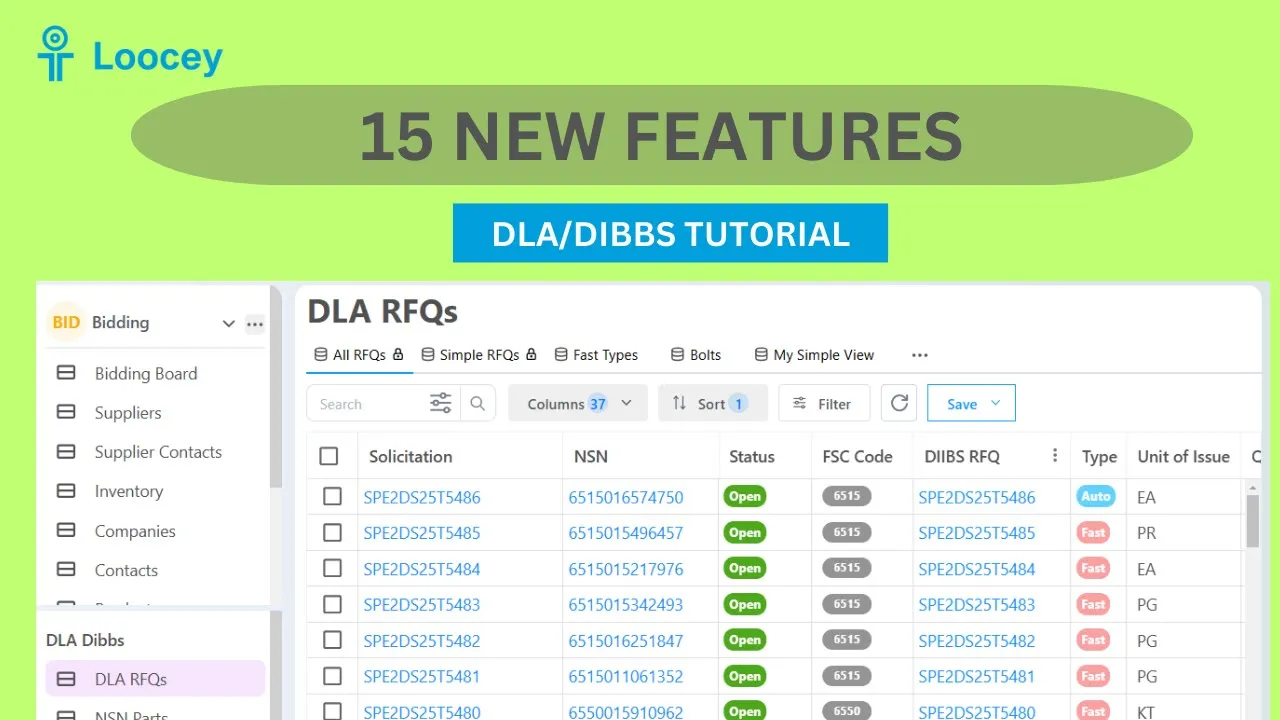 31 min 48 sec 15 New Features in Loocey for DLA/DIBBS Suppliers 15 New Features in Loocey for DLA/DIBBS Suppliers
 -
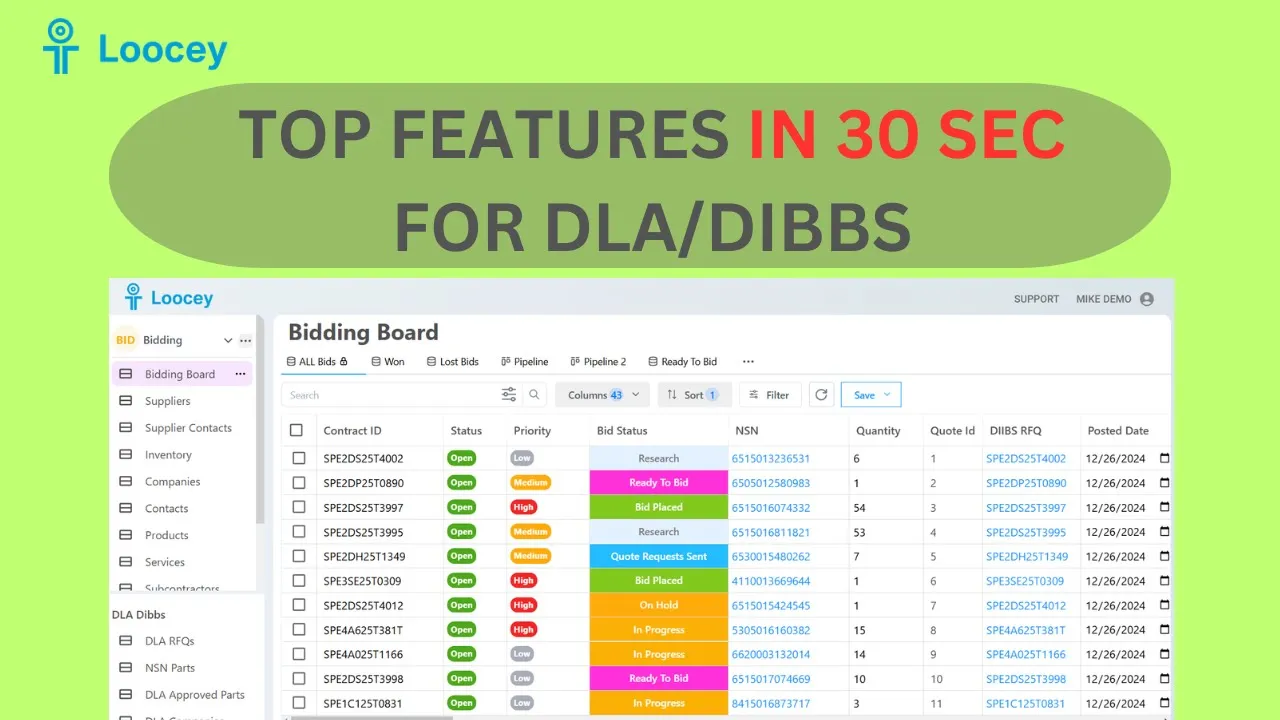 30 sec Have You Heard of Loocey Yet? Best All In One DLA/DIBBS Software Get Loocey, use the links below
 -
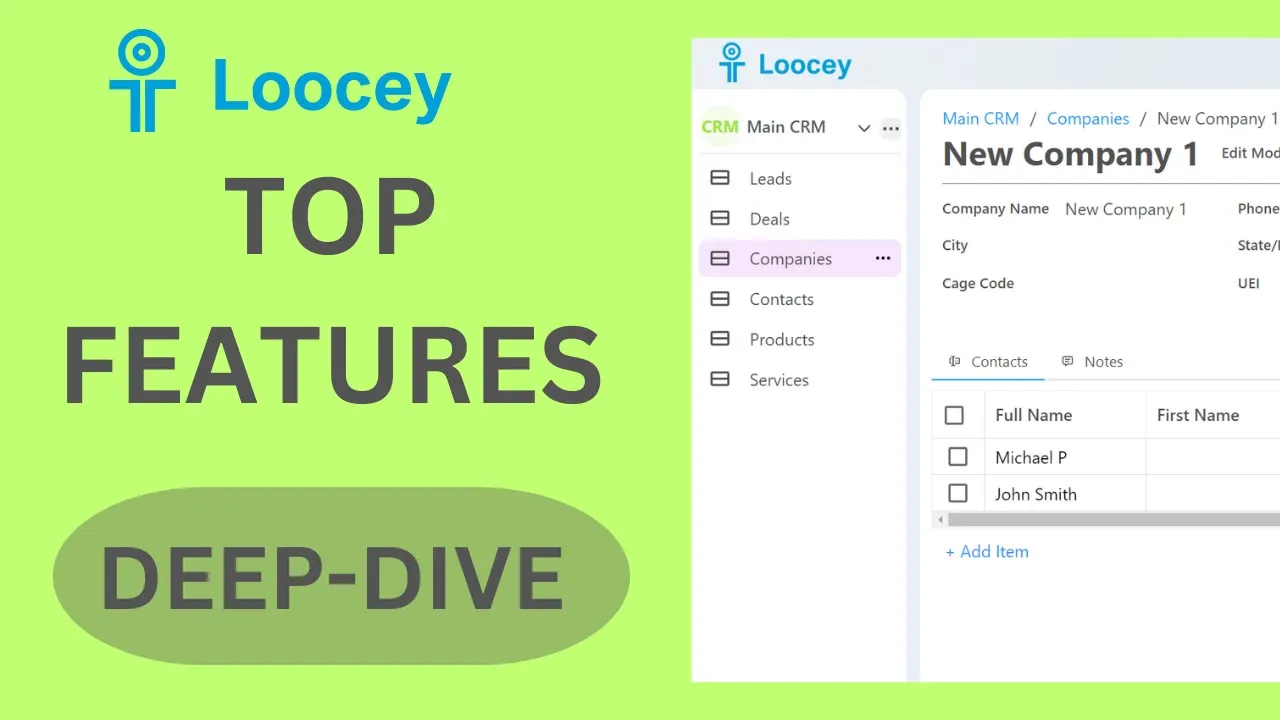 21 min 49 sec Top Loocey Features - Deep-Dive / Training Top Loocey Features - Deep-Dive / Training
 -
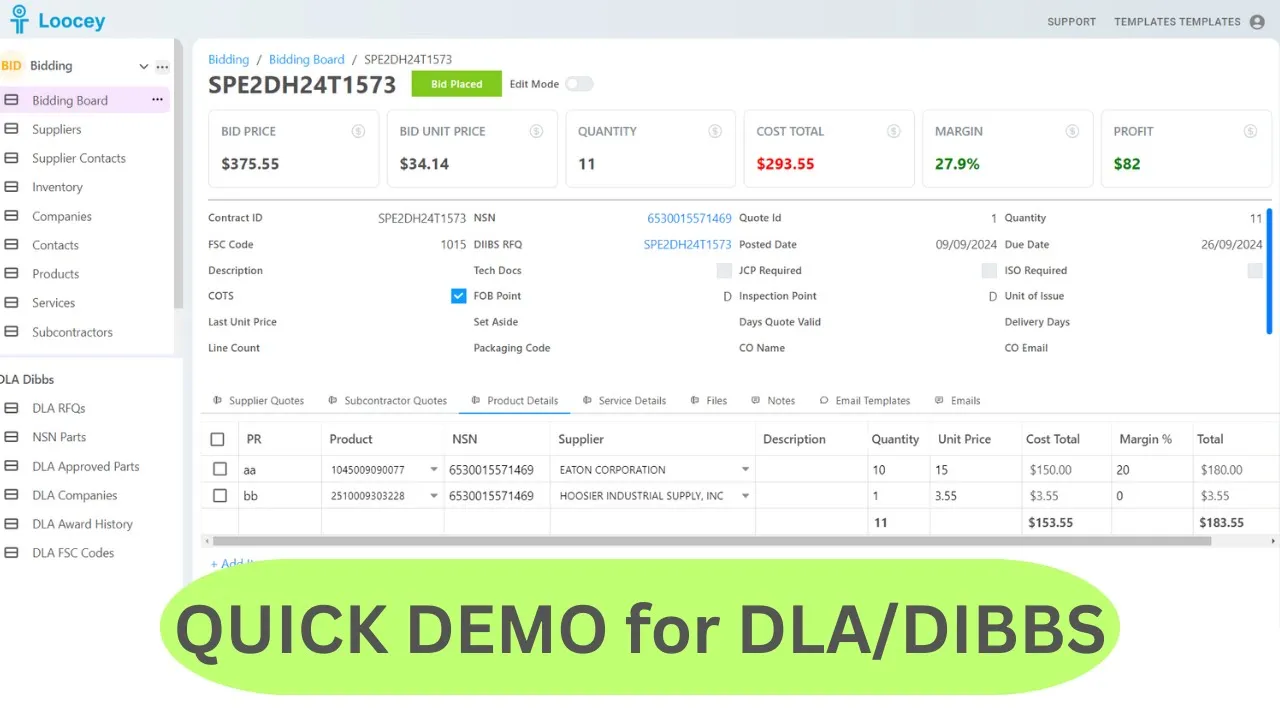 1 min 50 sec QUICK DEMO for DLA/DIBBS Software - Loocey QUICK DEMO for DLA/DIBBS Software - Loocey
 -
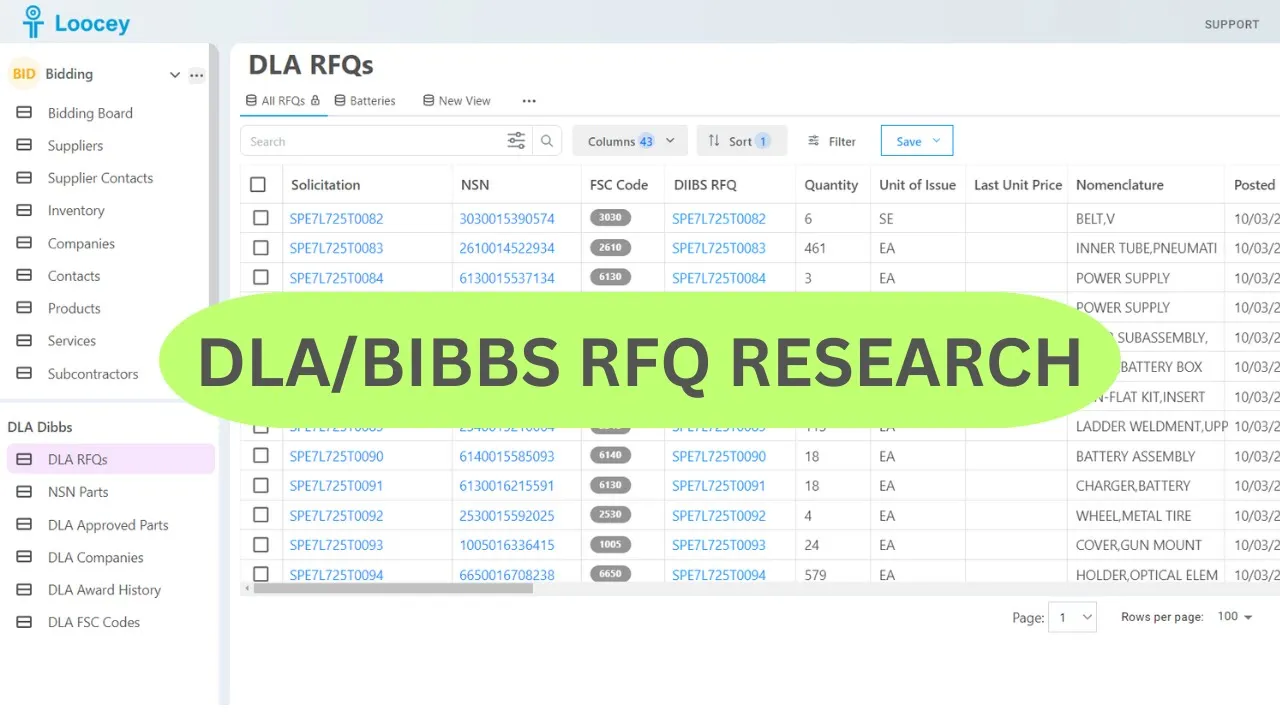 22 min 17 sec How To Find RFQs in DLA/Dibbs – RFQ Research in Loocey How To Find RFQs in DLA/Dibbs – RFQ Research in Loocey
 -
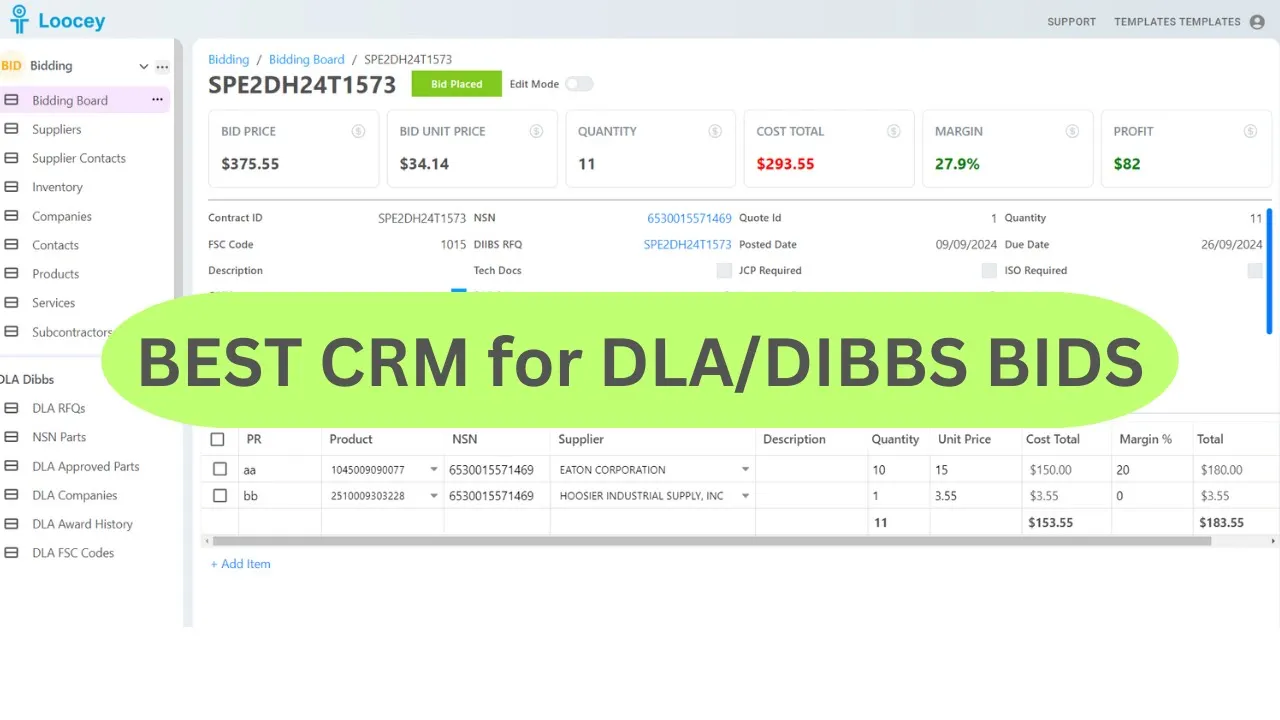 22 min 08 sec Best DLA/Dibbs Software to Manage Your Bids - Loocey Loocey CRM Demo for DLA/Dibbs and Sam.gov
Search & Filters
Find the right DLA/DIBBS solicitations: dates, set-asides, compliance flags, FSC codes and more.
-
 1 min 31 sec How to Find RFQs by Set Asides WOSB and SDVOSB Without Tech Docs This video shows how to search and filter RFQs in Loocey using multiple set-aside criteria while excluding RFQs that require technical documents.
 -
 1 min 41 sec How to Filter RFQs by CMMC Requirements in Loocey In this video, we learn how to filter RFQs by CMMC requirements in Loocey — how to find solicitations that require CMMC Level 2 Self-Assessment or Level 2 C3PAO certification, and how to exclude CMMC solicitations entirely and save the result as a view.
 -
 1 min 40 sec How to Filter RFQs by Critical Application Items in Loocey In this video, we’ll learn how to identify and filter RFQs marked as Critical Application Items in Loocey.
 -
 1 min 24 sec How to Find RFQs by Set-Asides (WOSB & SDVOSB) Without Tech Docs in Loocey In this video, learn how to search RFQs in Loocey using multiple set-aside filters while excluding those that require technical documents.
 -
 1 min 45 sec How to Filter the Bidding Board by Due Date Within the Next 7 Days in Loocey In this video, we’ll walk through how to filter RFQs based on their Due Date within the next 7 days using Dynamic Date Filters in Loocey.
 -
 1 min 21 sec How to Find RFQs with Posted Date Within the Last 7 Days in Loocey In this tutorial, we walk through how to apply a filter on the Posted Date column using the “Days Greater Than Today” condition, and explain how the value works to return only the most recent RFQs.
 -
 1 min 52 sec How to Filter RFQs by Shipping Terms (FOB Origin vs Destination) in Loocey In this tutorial, you’ll learn how FOB shipping terms work, why they impact your bid pricing, and how to quickly filter RFQs based on whether the DLA or the supplier covers the shipping cost — FOB Origin or FOB Destination.
 -
 2 min 01 sec How to Filter RFQs by Inspection Location (Origin vs Destination) in Loocey In this tutorial, you’ll see how Inspection Points work, why they matter, and how to quickly filter RFQs based on where the DLA performs the inspection — either at the supplier’s facility (Origin) or at the delivery location (Destination).
 -
 1 min 19 sec How To Find RFQs With Long Lead Times In this tutorial, we’ll learn how to find open RFQs with long lead times in Loocey.
 -
 2 min 29 sec How to Mark Your RFQs as Read (Mark As Viewed) in Loocey In this video, we'll learn how to see new RFQs in the list and mark them as when necessary to be able to exclude them from the list when desired.
 -
 42 sec How to Find RFQs by CAGE Codes in Loocey In this video we will show you how to find RFQs for specific Suppliers or Approved Source Cages codes
 -
 2 min 33 sec How to Find High-Demand or Frequently Awarded NSNs in Loocey In this video, we’ll learn how to find high-demand DLA parts using Loocey’s statistics and filtering columns.
 -
 2 min 12 sec How to Find Long-Term Contracts (LTCs) on DLA/DIBBS in Loocey Most DLA solicitations are One-Time purchase solicitations. These RFQs are posted to act as a single order when awarded.
 -
 1 min 52 sec How To Find DLA RFQs For Manufacturing / AMSC (RFQs With No Approved Sources) – DLA/DIBBS Most DLA solicitations already have specified manufacturers, which are the approved sources for a given part.
 -
 1 min 13 sec How to find RFQs using Size or Weight of the product/NSN - DLA/DIBBS In this quick tutorial, we’ll walk you through how to filter RFQs by product weight and cube size, and save your custom view for future use.
 -
 1 min 06 sec How to Search/Filter and Find RFQs Using FSC Code List in Loocey In this video, we’ll learn how to create search filters in Loocey and filter the RFQ list using multiple FSC Codes.
 -
 58 sec How to exclude RFQs when the same company is always winning - DLA/DIBS In this tutorial, we’ll learn how to exclude solicitations where the same company has been awarded the last 3 contracts.
 -
 40 sec How to quickly check how many Line Items or CLINS in the RFQ - DLA/DIBS In this video, we’ll learn how to quickly check the CLIN or Line Item count and details in the RFQ.
 -
 2 min 07 sec How to find RFQs which are still Open and check latest RFQ Status How to find RFQs which are still Open for bidding In this video, we’ll learn how to check the status of an RFQ in Loocey, but also confirm the latest status in DIBBS and do it quickly.
 -
 1 min 14 sec How to find Fast/Urgent RFQs or AIDC (Longer Term) DLA/DIBBS Contracts - DLA/DIBS There are usually 3 types of DLA contracts Fast Auto Evaluation – These are urgent and DLA is looking to award soon Auto Evaluation – These are still one time contracts that go through auto evaluation and auto award process in DIBBs…
 -
 47 sec How to find RFQs by Manufacturer / Approved Source Cages - DLA/DIBBS In this video we will show you how to find RFQs for specific Suppliers or Approved Source Cages codes
 -
 26 sec How to See Approved Source Companies on DLA DIBBS RFQS in Loocey - DLA/DIBBS In this video we will show how to See Approved Source Companies on DLA DIBBS RFQ in Loocey.
 -
 1 min 00 sec How to Filter RFQs by Approved Source Bidding - DLA/DIBBS In this tutorial, we’ll learn how to filter RFQs and exclude the ones where the approved source is also bidding and can potentially compete with your bid.
 -
 1 min 20 sec How to Find RFQs for Set Asides and without Tech Docs - DLA/DIBBS In this tutorial, we’ll learn how to search in Loocey by multiple Set-Asides and exclude RFQs that have Tech Docs.
 -
 1 min 08 sec How to Find RFQs listed by a specific Contract Officer - DLA/DIBBS In this tutorial we will learn how to Find RFQs listed by a specific Contract Officer - DLA/DIBBS
 -
 1 min 09 sec How to Find RFQs without Tech Docs and JCP Certifications - DLA/DIBBS This guide will show you how to find RFQs without Tech Docs and JCP Certifications.
 -
 1 min 18 sec How to find Simple RFQS for DLA/DIBBS - DLA/DIBBS In this video, we'll learn how to find RFQs with minimal requirements for DLA DIBBs.
Advanced & Related-Data Search
Cross-join RFQs with approved sources, approved parts and award history to answer questions DIBBS cannot.
-
 1 min 56 sec How to Search by Manufacturer Zip Code for Open RFQs in Loocey In this video, we’ll learn how to find open RFQs by Manufacturer ZIP Code using Loocey’s Advanced Related Data Filters.
 -
 2 min 29 sec How To Search DLA RFQs by Large Parts List in Loocey In this tutorial, we’ll explore an advanced search tactic in Loocey that allows you to find open DLA RFQs using a large custom list of parts or NSNs — even lists with 5,000+ items.
 -
 2 min 46 sec How To Use Dynamic Value Filters To Track High-Priority Part Numbers & NSNs – DLA/DIBBS Dynamic Value Filters allows you to use a list or a table as the input for filters instead of values manually.
 -
 1 min 02 sec How to Use Advanced Related Data Filters for DLA RFQs in Loocey In this video, we’ll learn how to use Loocey’s advanced related data search features on the biding board.
 -
 2 min 07 sec How to Find Open RFQs by Your Prior Awards in Loocey In this video, we'll learn How To Find Open RFQs by Prior Awards or even Competitor Prior Awards using Loocey’s advanced related data search features.
 -
 1 min 47 sec How to Find Open RFQs by Part Numbers in Loocey In this video, we'll learn how to find awarded contracts by cage code.
 -
 28 min 58 sec New Loocey Advanced Search By Related Data Filters New Loocey Advanced Search By Related Data
 -
 1 min 26 sec How To Search Approved Sources and Records with Multiple Keywords in Loocey In this tutorial, we’ll learn to use the Starts With Any and Ends With Any filters for searching by multiple keywords.
 -
 1 min 23 sec How To Find Prior Awards & Awardee Details in Loocey In this video, we'll learn how to find awarded contracts by cage code.
 -
 1 min 55 sec How To Find Local Manufacturers For DLA/DIBBS Contracts in Loocey It’s important to create relationships with manufacturers to get the best pricing for your DLA contracts.
 -
 1 min 12 sec How to Research and Find RFQs using NSN List - DLA/DIBBS In this video we will show how to Research and Find RFQs using NSN List.
Bidding Board & CRM
Copy solicitations into the CRM, then manage statuses, notes, files and pipeline views.
-
 1 min 30 sec How to Use Related RFQs for Re-Bids or Resubmitting RFQs for the Same NSN – DLA/DIBBS In this video, we’ll learn how to find open RFQs by Manufacturer ZIP Code using Loocey’s Advanced Related Data Filters.
 -
 3 min 10 sec How To Store and Manage Files Including Price Quotes in Loocey In this lesson, you’ll learn how to store and manage files in Loocey for DLA / DIBBS bidding, including supplier price quotes and bid package documents.
 -
 11 min 52 sec Loocey File Upload for DLA ** New Feature ** (part 2) Loocey File Upload for DLA ** New Feature ** (part 2)
 -
 5 min 54 sec How To Use DLA Bid Management Features In Loocey In this tutorial, we’ll learn how to use the DLA Bid Management features in Loocey.
 -
 2 min 29 sec How To Use 1 Click Copy To Copy RFQ to CRM Bidding Board In this tutorial, we’ll go over one of the most important features in Loocey, 1-click copy, which copies all solicitation details and organizes it into the CRM Bidding Board with a single click.
 -
 2 min 23 sec How To Add a Contract To The Bidding Board Manually (without copy feature) in Loocey - DLA/DIBBS Sometimes, there is a need to manually add a contract when working with non-DLA contracts or for any reason, the Solicitation is not found in DLA RFQs section.
 -
 51 sec How To Add DLA/DIBBS RFQs to CRM Bidding Board with 1 click - DLA/DIBBS In this video we will show how To Add DLA DIBBS RFQs to CRM Bidding Board with 1 click
 -
 33 sec How To Take Notes/Comments in Loocey CRM - DLA/DIBBS This guide will walk you through the process of taking notes efficiently using the Loocey application.
Pricing & Bid Calculation
Build a defensible Bid Unit Price from supplier quotes, services, margin and award history.
Suppliers & RFQ Emails
Manage manufacturers and distributors and automate your quote-request process.
-
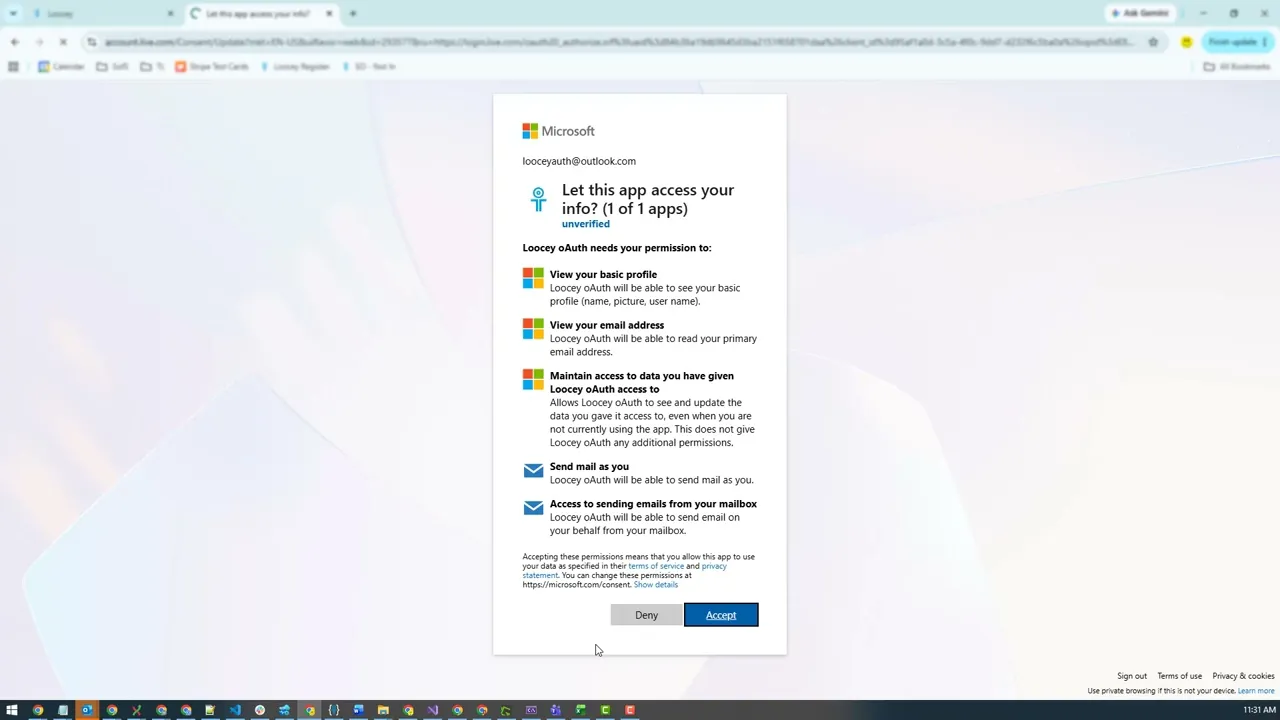 6 min 46 sec How to use Automated Email RFQs in Loocey DLA - Quick Tutorial by Michael How to use Automated Email RFQs in Loocey DLA - Quick Tutorial by Michael
 -
 3 min 08 sec How to Add Distributors and Link Them to Manufacturers In this tutorial, we’ll learn how to use the new Distributors feature in Loocey’s DLA Bidding Board.
 -
 4 min 10 sec How to Send Automated Quote Requests with Bulk Email Sender in Loocey In this video, we’ll learn about Automated Quote Request Emails in Loocey.
 -
 3 min 36 sec How to Update Supplier Email in Loocey - DLA/DIBBS In this video, we’ll learn how to update Supplier Emails in Loocey if they’re missing or have changed.
 -
 1 min 13 sec How to Manage Suppliers - DLA/DIBBS In this video we will show you how to manage suppliers in Loocey by adding, editing, and updating quoting settings.
 -
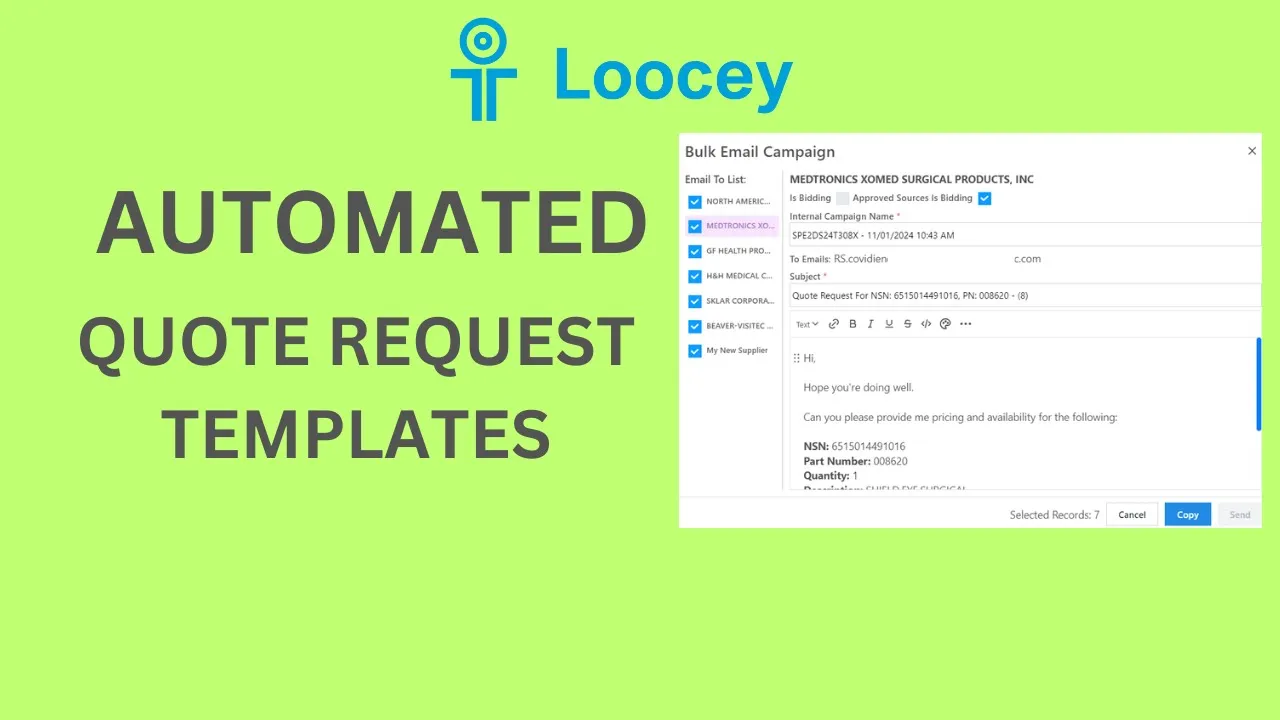 23 min 16 sec Automated Quote Request Templates - DLA/DIBBS - Loocey Automated Quote Request Templates - DLA/DIBBS - Loocey
Labels, Packaging & Post-Award
MIL-STD-129R container labels, the Label Maker API and DLA packaging requirements.
-
 3 min 20 sec How to Generate DLA Labels (MIL-STD-129R/UID) with Loocey's API Learn how to generate DLA Container and UID labels (MIL-STD-129R) using Loocey’s API.
 -
 4 min 50 sec How To Create DLA Container Labels (MIL-STD-129R) with Loocey's DLA Label Maker Learn how to create compliant DLA container labels (MIL-STD-129R) using Loocey’s DLA Label Maker.
 -
 3 min 36 sec How To Print DLA Unit Container Labels (MIL-STD-129) In Loocey – The Easy Way Printing your Unit Container labels is challenging as DLA nor VSM provide a way labels compatible with label printers such as the Zebra printers.
 -
 1 min 18 sec DLA Packaging Instructions Visualization Tool - DLA/DIBBS In this video, we’ll learn how to use the new Packaging tool in Loocey.
 -
 1 min 11 sec How to quickly check the Packaging Instructions on the Solicitation - DLA/DIBS How to quickly check the Packaging Instructions on the Solicitation/RFQ There are usually 2 main packaging requirements when working with DLA DIBBs contracts, ASTM and Military 2073.
 -
 53 sec How to find DLA RFQs with simpler Packaging Requirements - ASTM D3951 vs MIL STD 2073 - DLA/DIBS There are usually 2 main packaging requirements when working with DLA DIBBs contracts, ASTM and Military 2073 standard.
Platform, Team & Admin
Loocey Core features underneath the DLA module: columns, views, assignments, exports and permissions.
-
 1 min 14 sec How to Assign Records/RFQs to Your Team Members in Loocey In this video, we’ll learn how to use the Assigned To field in Loocey to assign items to your team members so that everyone can focus on their own items.
 -
 2 min 15 sec How to Create Delivery Days/Due Date Calculated Columns in Loocey In this video, we’ll learn how to create calculated columns in Loocey to keep track of our Delivery Schedule and Due dates.
 -
 35 sec How to Export your Bids or Suppliers to Excel - DLA/DIBBS In this video, we’ll learn how to use Loocey’s Export feature, to export the records to CSV or Excel.
 -
 59 sec How to Sort and Save Sort Changes - DLA/DIBBS In this video we will show how to Sort and Save Sort Changes in Loocey
 -
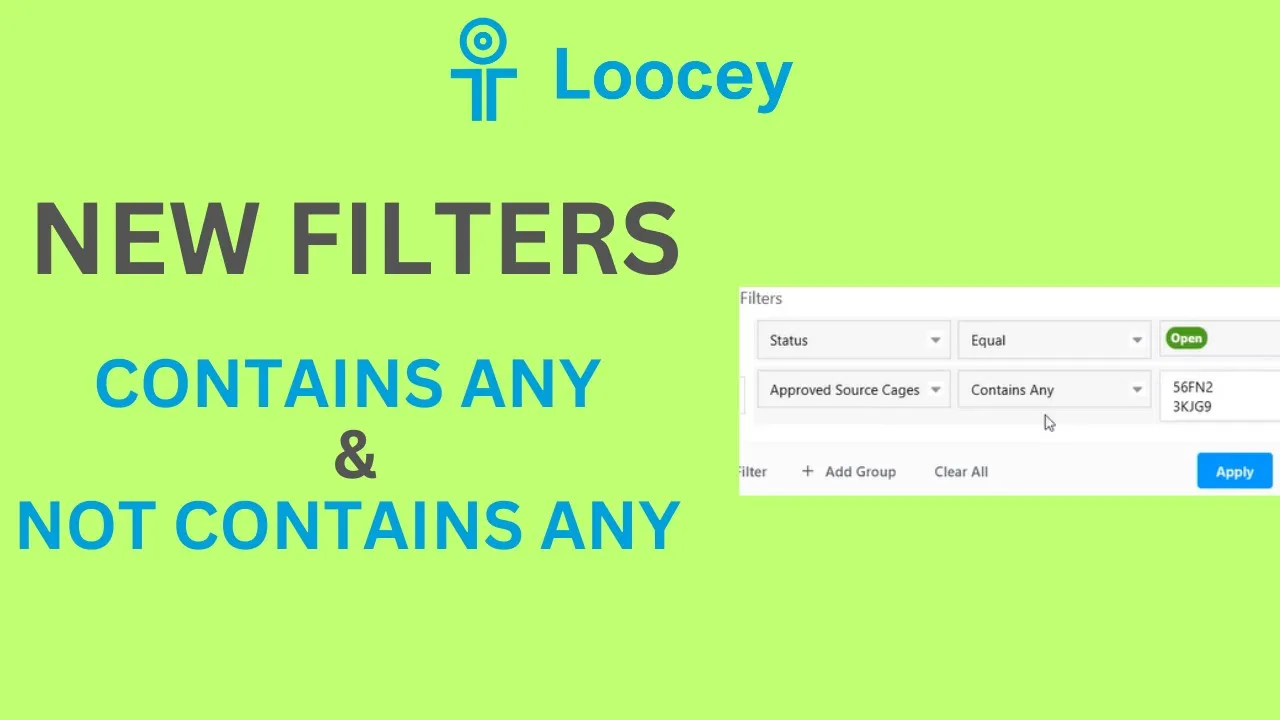 11 min 20 sec Loocey Filters Contains Any & Not Contains Any - Tutorial Loocey Filters Contains Any & Not Contains Any - Tutorial
 -
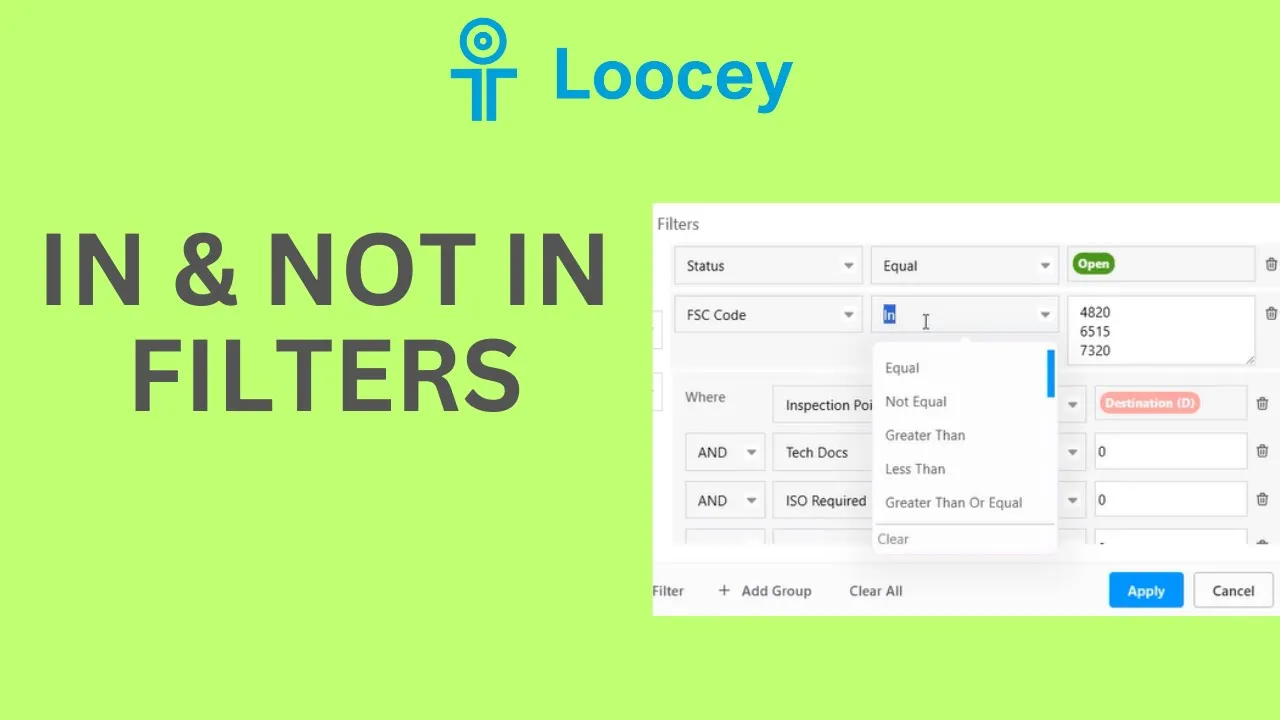 7 min 45 sec Loocey Filters - In & Not In - Tutorial Loocey Filters - In & Not In - Tutorial
 -
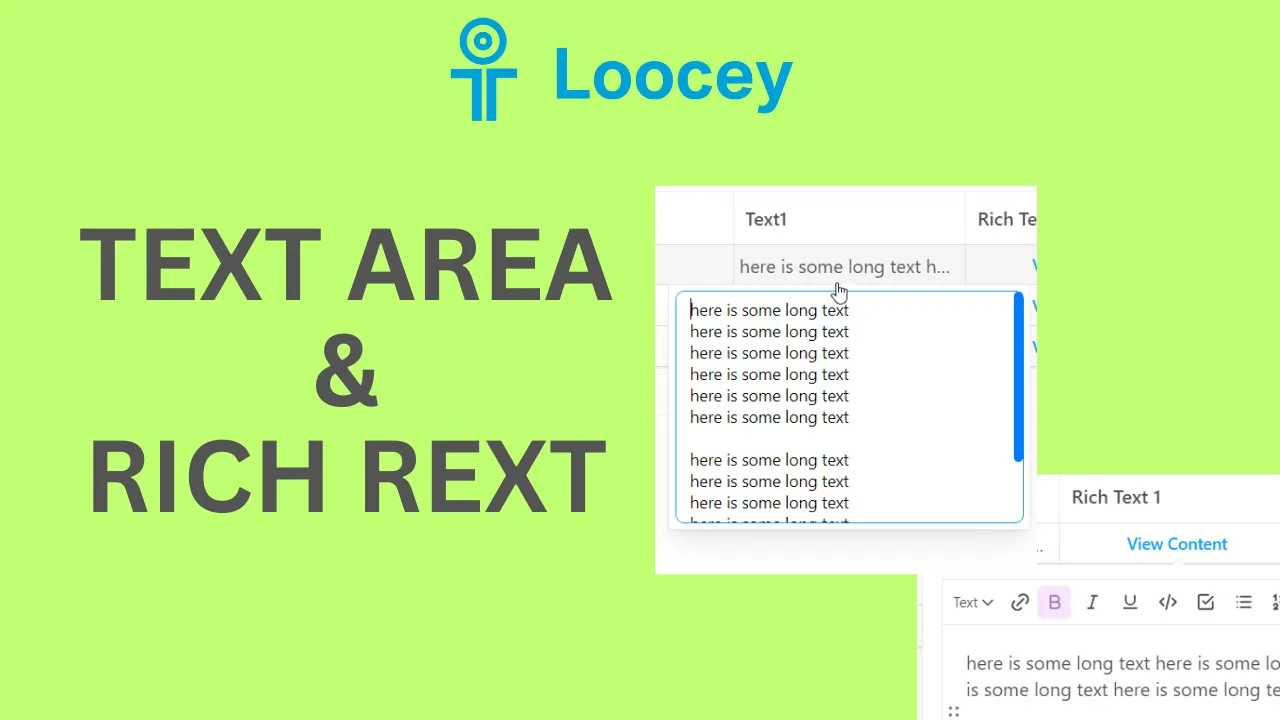 4 min 07 sec How to Add Text Area and Rich Text Column Types - Loocey How to Add Text Area and Rich Text Column Types - Loocey
 -
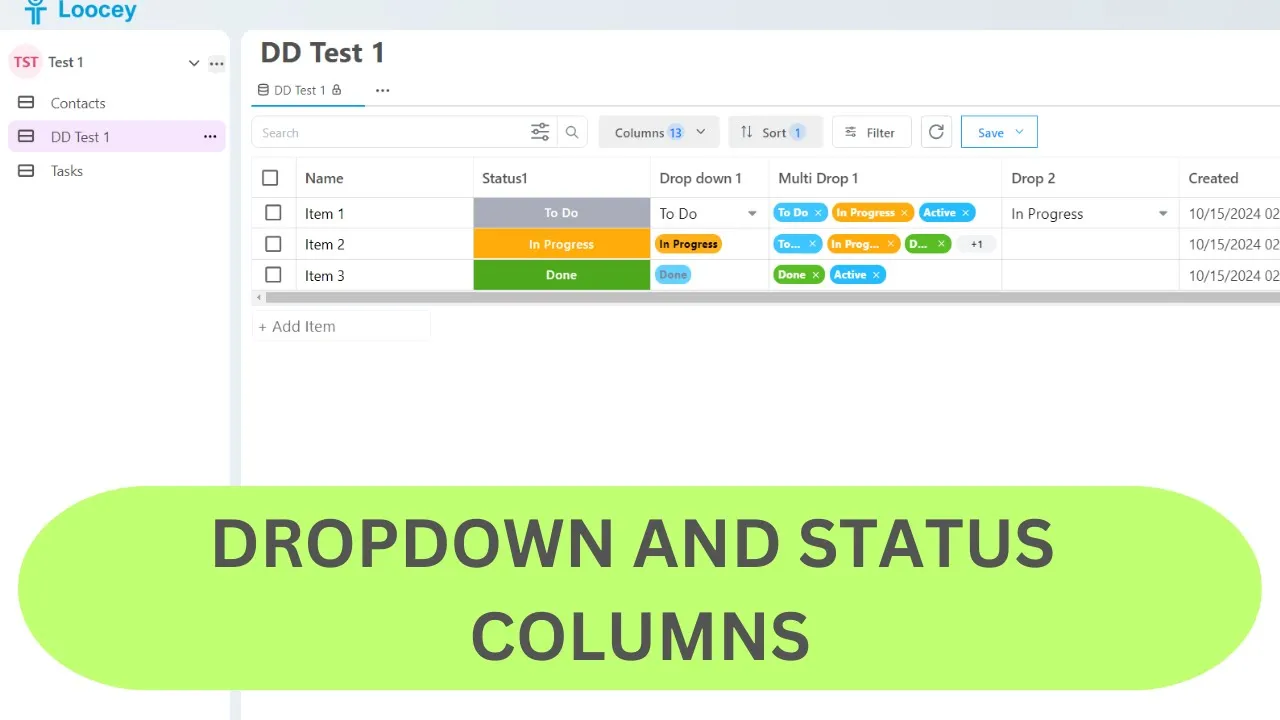 7 min 22 sec Loocey DropDown and Status Column Tutorial / Demo Loocey DropDown and Status Column Tutorial / Demo
 -
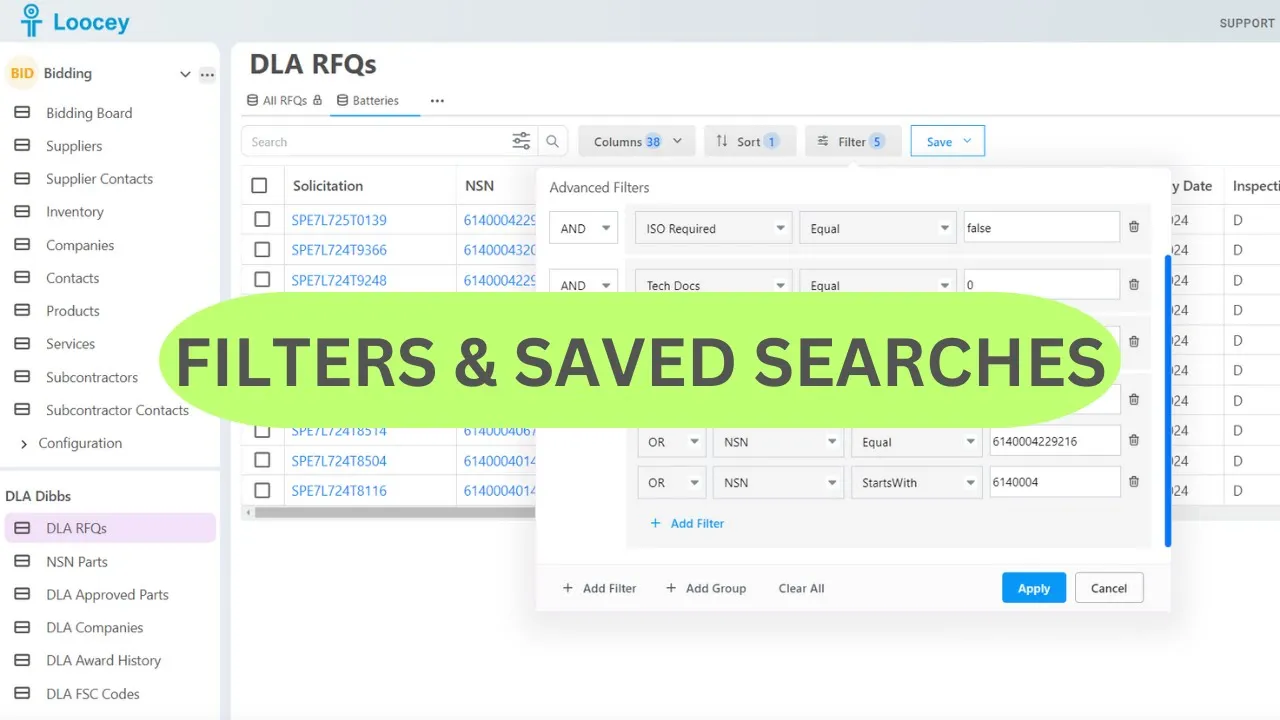 9 min 59 sec Loocey Filters and Saved Searches and Views - DLA/Dibbs RFQ Filters Loocey CRM Demo for DLA/Dibbs and Sam.gov
DLA RFQ Column Reference
Every solicitation Loocey imports arrives with 58+ filterable columns and flags. Here is what each one means and how DLA/DIBBS suppliers use it when searching, qualifying and quoting.
- Solicitation
- The DLA solicitation number for the RFQ — the same identifier you see on DIBBS, searchable with Starts With to target a single buying activity.
- NSN
- The 13-digit National Stock Number being solicited. Click it in Loocey to open approved parts, other open RFQs and the full award history for the item.
- Status
- The current state of the solicitation, so your saved views can show only the RFQs still open for quoting.
- FSC Code
- The four-digit Federal Supply Class (the first four digits of the NSN) — filter to the classes you actually stock or manufacture.
- DIBBS RFQ
- A direct link from the row to the original solicitation on DLA DIBBS, so verification is one click away.
- Type
- The solicitation type, including AIDC — long-term automated indefinite delivery contracts — versus one-time buys.
- Unit of Issue
- How the item is issued (each, box, kit, foot…), the basis for quantity and unit pricing.
- Quantity
- The quantity DLA is buying on this solicitation.
- Last Unit Price
- The unit price on the most recent award for this NSN — the fastest sanity check for your own bid price, and the input for Last Award pricing mode.
- Total Estimate
- The estimated total value of the solicitation, so you can prioritize the bids worth your time.
- Posted Date
- When the solicitation was posted. Combine with dynamic date filters like “posted in the last 7 days” that roll forward automatically.
- Return By Date
- The quote due date — sort ascending or filter “due within 7 days” so a deadline never slips past.
- Nomenclature
- The item name as published by DLA, searchable by keyword to find the parts you know.
- FOB Point
- Who pays freight: Origin means DLA covers shipping, Destination means you do. On heavy NSNs this single column decides profitability.
- Inspection Point
- Whether DLA inspects at your facility before shipment (Origin) or on arrival (Destination).
- Set Aside
- The small-business set-aside category — WOSB, SDVOSB, HUBZone and more. Use the In condition to select several categories in one filter row.
- Tech Docs
- Whether controlled technical drawings are attached — filter Unchecked to keep only RFQs you can quote without certified drawings.
- JCP Required
- Whether Joint Certification Program certification is required to access the technical data.
- ISO Required
- Whether an ISO quality-certification requirement applies to the solicitation.
- FAT Required
- Whether First Article Testing is required before full production.
- PLT Required
- Whether Production Lot Testing is required on the contract.
- Critical Item
- Flags Critical Application Items, which carry extra paperwork and certifications. An orange checkbox means “Not Yet Set” while the day’s data is processing.
- CMMC
- The Cybersecurity Maturity Model Certification level required. Filter with Is Null to see only solicitations with no CMMC requirement.
- COTS
- Whether the item is Commercial Off-The-Shelf.
- No Bid
- Mark and filter out solicitations you have decided not to quote, so nobody on the team re-reviews them.
- AS Bidding
- Loocey’s computed risk flag showing an approved source is bidding the solicitation directly — they usually hold the best price. Hover the flag for how it was set.
- Is Same Winner
- Loocey’s computed flag for NSNs the same company keeps winning — verify it in one click on the NSN History tab.
- YTD Quantity
- The quantity awarded for this NSN so far this year — a live demand signal.
- Total Quantity Awarded
- The all-time awarded quantity for the NSN.
- Last Year Quantity Awarded
- The quantity awarded last year — combine the three award-quantity columns to build your own demand formula.
- Weight
- The item weight — filter out freight-heavy NSNs that eat your margin.
- Cube
- The cubic volume of the item, the other half of the freight-cost equation.
- Line Count
- The number of line items on the solicitation.
- Days Quote Valid
- How long your quoted price must remain valid after submission.
- Packaging Code
- The DLA packaging requirement — spot the simpler commercial ASTM D3951 jobs versus MIL-STD-2073 military packaging before you bid.
- Packaging QUP
- The Quantity Unit Pack — units per unit container — which the MIL-STD-129R Label Maker uses on unit container labels.
- Prep For Delivery
- The preparation-for-delivery requirements published on the solicitation.
- Buyer Code
- The DLA buyer code assigned to the solicitation.
- Contract Officer Name
- The DLA contracting officer responsible for the solicitation.
- Contract Officer Email
- The contracting officer’s email address, right on the row when you have a question.
- Contract Officer Phone
- The contracting officer’s phone number.
- Parcel Post Address
- The destination address for small-parcel shipments on the award.
- Freight Shipping Address
- The freight destination address for the award.
- Approved Source Cages
- The CAGE codes of every approved source on the RFQ — filter with In to track the manufacturers you already have pricing relationships with.
- AMSC
- The Acquisition Method Suffix Code — how DLA may buy the item. RFQs with no approved sources are open manufacturing opportunities.
- Delivery Days
- The delivery lead time. Filter Greater Than 100 for long-runway work that fits a production schedule, or Less Than for fast turns.
- Last Award Date
- When the NSN last awarded — how recent the demand really is.
- Item Control
- The item control designation published on the solicitation.
- Hubzone Preference
- Whether a HUBZone price-evaluation preference applies to the buy.
- Price Breaks Solicited
- Whether DLA is requesting tiered pricing at multiple quantity ranges.
- Higher Level Quality
- Whether higher-level quality requirements apply to the contract.
- Buy American
- Whether Buy American Act requirements apply.
- Free Trade Agreements
- Whether Free Trade Agreement clauses apply to the buy.
- Trade Agreements
- Whether Trade Agreements Act clauses apply.
- Page Count
- The number of pages in the solicitation PDF — a quick proxy for how complex the buy is.
- Additional Clause Fill-Ins Indicator
- Flags solicitations with extra clause fill-ins you must complete when submitting the quote.
- Bid Type Code
- The DIBBS bid type code for the quote (bid with or without exception).
- Prompt Payment Discount Terms Code
- The prompt-payment discount terms code on the solicitation.