

Demos & Overviews
15 New Features in Loocey for DLA/DIBBS Suppliers
15 New Features in Loocey for DLA/DIBBS Suppliers
- Length 31 min 48 sec
- Published January 30, 2025
- Product Loocey DLA / DIBBS
Overview
15 New Features in Loocey for DLA/DIBBS Suppliers
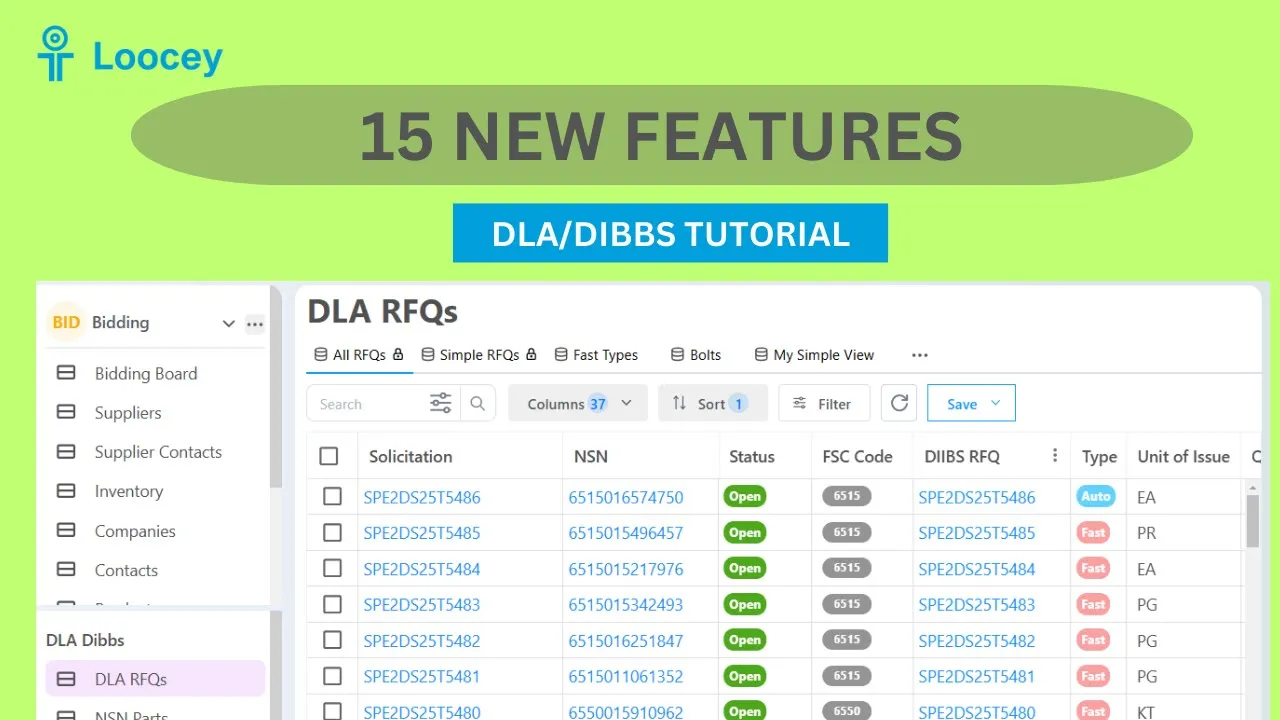
1. No Bid Filter 2. FAT 3. PLT 4. Approved Source Bidding Filter 5. Set Aside Badges 6. Solicitation Type filter 7. Simple RFQs Default View 8. NSN Popup – Approved Source Name, Phone, Website and Email 9. Approved Source - More Emails Populated 10. Contains Any / Not Contains Any Filters 11. Statuses more up to date 12. Contract Details - Showing Related Cage, Quoting, Website 13. Backfill Older Solicitations 14. Assigned To Drop Down 15. Prep For Delivery
Step by step
The walkthrough covered in the video, written out so you can follow along inside Loocey.
- No Bid filter: DLA periodically releases a list of items that received no bids. Loocey imports it, so filter the No Bid column equals True to focus on items DLA wants bids on.
- FAT filter: the FAT column flags first article testing requirements, manufacturers often charge for this, so ask and include it in your costs.
- PLT filter: the PLT column flags production lot testing requirements, which manufacturers may also charge for.
- AS Bidding column: shows when an approved source has won the NSN within the last 24 months and is likely bidding, filter it to False to skip hard-to-win items.
- Set-aside badges and tooltips: mouse over FOB Point, Inspection Point, and Set Aside badges for plain-language explanations, and use the set-aside drop-down in filters to target WOSB, SDVOSB, and more.
- Solicitation Type filter: the Type column distinguishes Auto (automated evaluation), Fast (urgent, faster awards), and AIDC (indefinite delivery contracts), filter Type equals AIDC to find longer-term contracts.
- Simple RFQs default view: a locked system view with the beginner-friendly filters preset (no tech docs, ISO, JCP, FAT, PLT, or approved source bidding, inspection at destination). Do a Save As to make your own editable copy and add filters like FSC codes with the In condition.
- Improved NSN pop-up: the approved parts and sources tables are now linked in one view with phone, website, and email, the last award details at the top, and a link to confirm sources directly in DIBBS.
- More verified emails: Loocey’s research team continuously fills in verified sales emails for approved sources, so more suppliers can be emailed directly.
- Contains Any and Not Contains Any filters: enter a list of values (for example, your favorite suppliers’ cage codes) and match RFQs whose Approved Source Cages column contains any of them, or exclude them with Not Contains Any. Unlike In, this is not an exact match, so it works when multiple cage codes share the column.
- Status updates: statuses are refreshed more reliably, awarded or cancelled items drop off the open list, and the DIBBS RFQ link remains the one-click way to confirm the very latest status.
- Linked cage code and quoting columns in contract details: the Supplier Quotes table now shows cage codes and the global Quoting status, mark a supplier No/Skip once and every future RFQ shows it, keeping them out of the Bulk Email Sender selection.
- Backfilled older solicitations: still-open RFQs posted before Loocey’s original data start date are being imported, so sort by posted date to find older opportunities you can still bid on.
- Assigned To column: assign RFQs to teammates and build filtered views per person, for multi-user plans, contact support to add users.
- Prep For Delivery pop-up: click the Prep For Delivery value to see the full packaging requirement text in a readable pop-up instead of a cramped single line.
Where this fits
This tutorial covers the Demos & Overviews part of Loocey DLA. Start here — full product demos, webinars and feature round-ups for Loocey DLA.
- Loocey DLA Getting Started guide — account setup and the full bidding workflow
- Saved-search recipes — the exact column, condition and value for 20 common DLA searches
- DLA / DIBBS glossary — what every field on a solicitation means
- All Loocey DLA video tutorials
Try it in your own account
Loocey DLA imports DLA/DIBBS solicitations daily and carries them through a CRM bidding board, supplier quote requests, bid pricing and MIL-STD-129R labels.