

Platform, Team & Admin
Loocey Filters - In & Not In - Tutorial
Loocey Filters - In & Not In - Tutorial
- Length 7 min 45 sec
- Published December 27, 2024
- Product Loocey DLA / DIBBS
Overview
Loocey Filters - In & Not In - Tutorial
Step by step
The walkthrough covered in the video, written out so you can follow along inside Loocey.
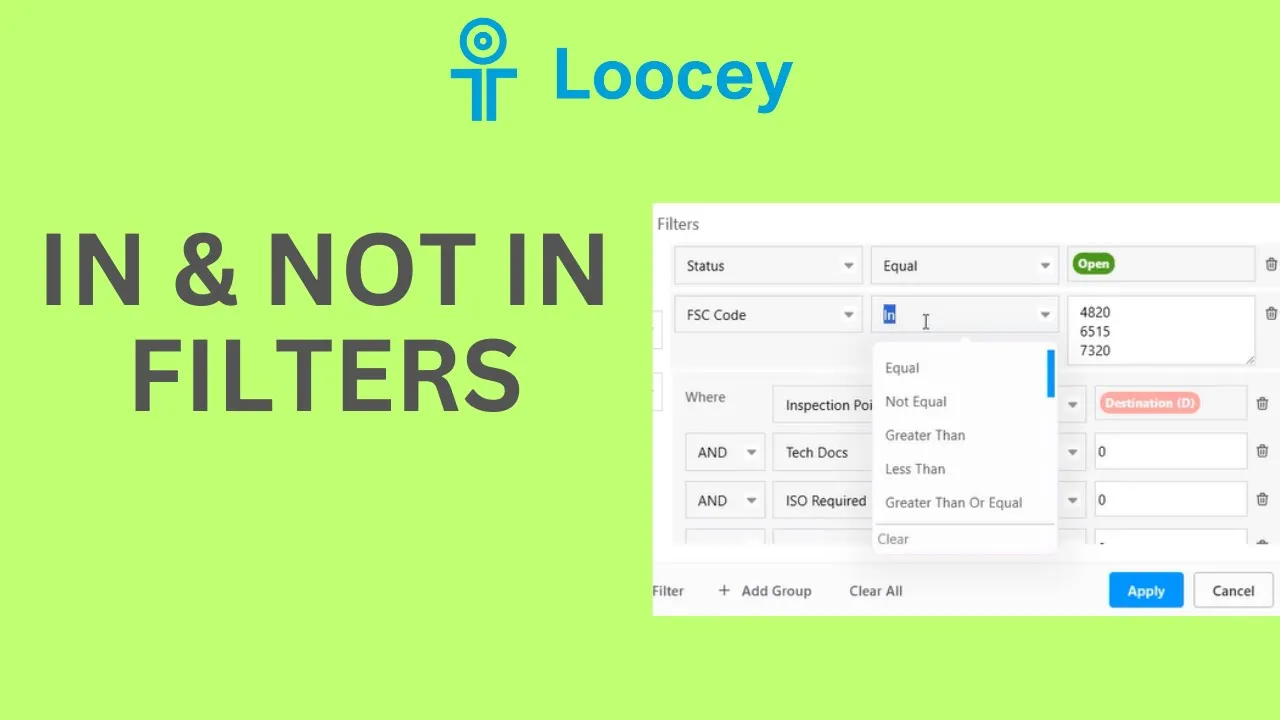
- The In filter condition lets you search a column by a whole list of values at once, instead of chaining many Or filters together.
- Go to the RFQs board and open Filters. Add a filter, select a column such as FSC Code, and choose In as the condition.
- Enter your values one per line, for example, a list of FSC codes, and hit Apply. The system returns RFQs matching any value in your list. This works on any column, including in your CRM boards.
- Save the filters with Save or Save As. All saved filters work like tabs, so they’re easy to find, and you can unpin a view from the tab settings and re-pin it later from Manage View Settings.
- Compared with DIBBS searching, the same list search works, but in Loocey it combines with all your other filters and flags (ISO, JCP, and so on) for much more flexibility.
- Loocey also has the opposite: the Not In condition. Change the condition to Not In and the system shows everything except the values in your list.
- Watch the And/Or setting between filters: with Or, a record matches if any filter matches, which can produce unexpected results, set it to And when every filter must hold.
- Tip: the built-in Simple RFQs system view has the common starter filters (no tech docs, inspection point destination, and more) already set. You can’t edit a system view, but do a Save As, give it a name, and customize your copy while keeping the defaults.
- Also check the companion tutorial on the new Contains Any and Not Contains Any conditions.
Where this fits
This tutorial covers the Platform, Team & Admin part of Loocey DLA. Loocey DB features underneath the DLA module: columns, views, assignments, exports and permissions.
- Loocey DLA Getting Started guide — account setup and the full bidding workflow
- Saved-search recipes — the exact column, condition and value for 20 common DLA searches
- DLA / DIBBS glossary — what every field on a solicitation means
- All Loocey DLA video tutorials
Try it in your own account
Loocey DLA imports DLA/DIBBS solicitations daily and carries them through a CRM bidding board, supplier quote requests, bid pricing and MIL-STD-129R labels.